Skip to product information
1 of 1

EAS MAX Firmware

EAS MAX Firmware

Regular price €5,00 EUR
Regular price Sale price €5,00 EUR
Sale Sold out
Shipping calculated at checkout.
Quantity

ETA late July!


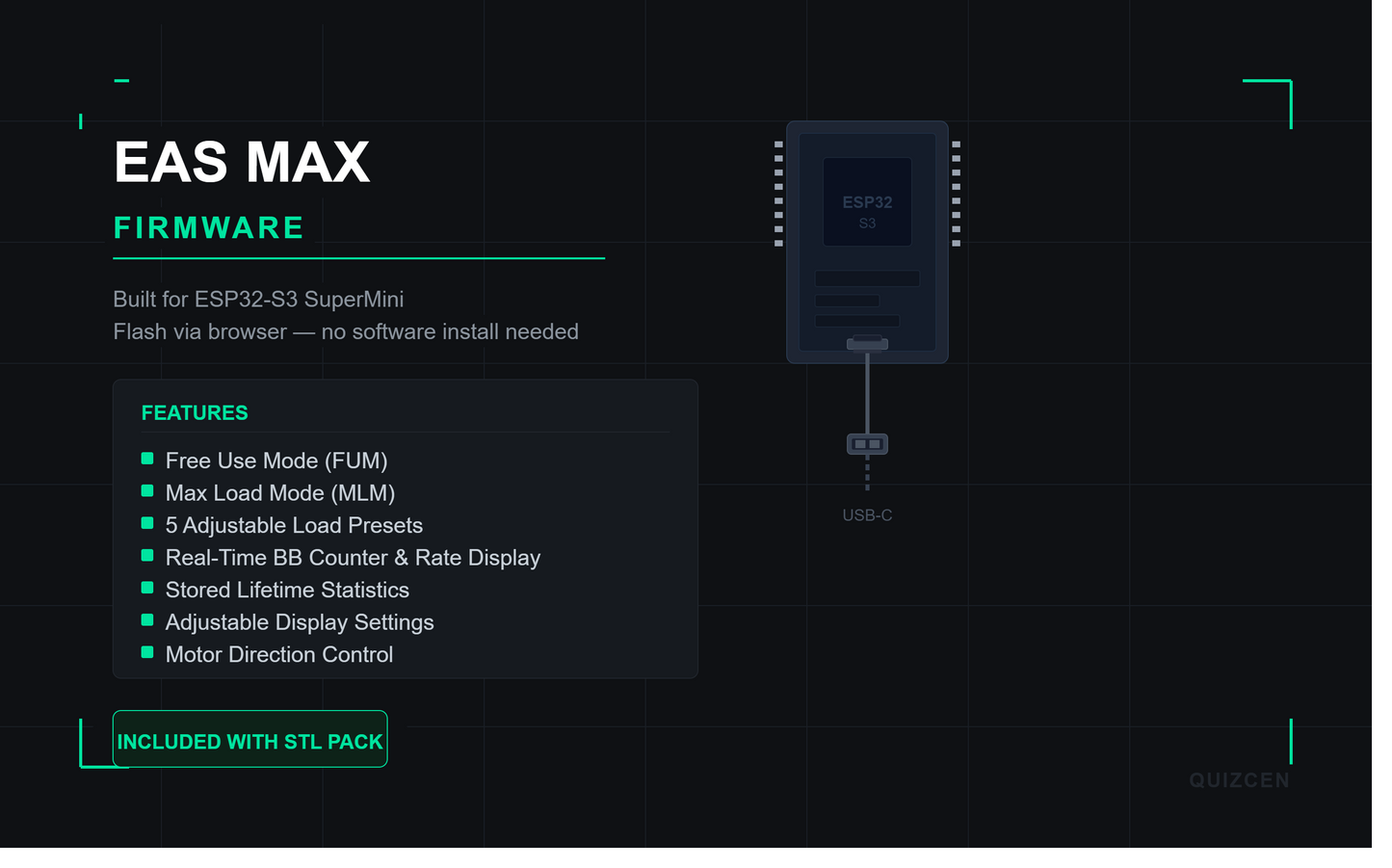
EAS MAX firmware delivers precise BB counting and controlled magazine loading with a clean on-device interface. Built for the ESP32-S3 SuperMini — no app, no phone, no Bluetooth required.

Flashing takes about 5 minutes and runs entirely in your browser. No software to install.

The firmware is listed as a separate product so updates can be pushed independently — when a new version is released, this page gets updated and everyone who owns it is notified automatically.

FEATURES +

Free Use Mode (FUM) — run continuously without a set target

Max Load Mode (MLM) — load to full magazine capacity automatically

5 adjustable load presets — set your most-used round counts and recall them instantly

Real-time BB counter and rate display on the OLED

Stored lifetime statistics — total BBs loaded across all sessions

Adjustable display brightness and settings

Motor direction control — set to match your build
WHAT YOU NEED +
  • Your ESP32-S3 SuperMini
  • USB cable — data cable only, not charge-only
  • Google Chrome or Microsoft Edge
  • Your 3 firmware files (included with this purchase):
    0x0000_EASMAX_V1.0.boot.bin
    0x8000_EASMAX_V1.0.partitions.bin
    0x10000_EASMAX_V1.0.bin
READ BEFORE FLASHING

Power safety — Disconnect the battery before plugging into your PC. Never power the device from USB and battery at the same time. Only one power source during flashing. Failure to do this may damage the ESP32 or your computer.

During flashing — Do not unplug the USB cable while flashing is in progress. Place the device on a non-metal surface. Make sure motors and high-power parts are not active.

Heat — The board may get slightly warm during flashing. If it becomes very hot, disconnect immediately and check your wiring.

Flashing is done at your own risk. Improper wiring or incorrect use can damage the device.
FLASHING GUIDE — STEP BY STEP +
1
Plug in the ESP32
Connect the ESP32-S3 to your computer via USB. If this is your first time, Windows may install drivers automatically. If the board doesn't appear later, you may need CP210x or CH340 drivers.

2
Enter flash mode VERY IMPORTANT
Most ESP32-S3 boards require this before flashing:
Hold down the BOOT button
While holding BOOT — press and release RESET
Release BOOT
The board is now ready to receive firmware.

3
Open the web flasher
Open in Chrome or Edge — Firefox will not work.
esptool.spacehuhn.com →

4
Connect your board
Click Connect — a small popup opens. Select your ESP32 port (may say "USB Serial Device" or similar) and click Connect again.
IF NOTHING APPEARS
Try a different USB cable · Try a different USB port · Repeat the BOOT + RESET step

5
Add the 3 firmware files
Click Add File three times and add your files exactly as listed below. If a 4th file appears, delete it. Match the addresses shown:
0x0000 EASMAX_V1.0.boot.bin
0x8000 EASMAX_V1.0.partitions.bin
0x10000 EASMAX_V1.0.bin

6
Flash
Click Program and wait until it says Done or Finished. Do not unplug during flashing.

7
Reboot
Press the RESET button once. EAS MAX firmware should now start on your OLED display.
✓ DONE
Your ESP32-S3 SuperMini is now running EAS MAX firmware.
IF FLASHING FAILS
  • Repeat the BOOT + RESET procedure and try again
  • Lower the baud rate in the flasher settings if the option exists
  • Make sure you selected the correct ESP32-S3 port
  • Try a different USB cable
GET IT FOR FREE

A discount code is available to all Discord members — join the server, find it in #eas-max-feedback, and apply it at checkout to get the firmware for free.

Join the Discord server →

UPDATES

Firmware updates are posted on Discord as development progresses. Always check for a newer version after flashing.

Discord: discord.com/invite/XFdMX947JP

Firmware is licensed for personal use on one EAS MAX build. Do not redistribute, resell, or modify the firmware files. Flashing is done at your own risk.
View full details